Why You Need a Reliable MP4 to MP3 Converter Today
We have all found that one perfect video online. Maybe it is a live acoustic performance by your favorite indie band. Perhaps it is an inspiring two-hour interview, a helpful college lecture, or a soothing meditation guide. You want to listen to it while driving to work or working out at the gym. However, leaving a video playing on your phone screen is a massive hassle. It drains your battery in an hour, and you cannot lock your screen without the sound cutting out completely.
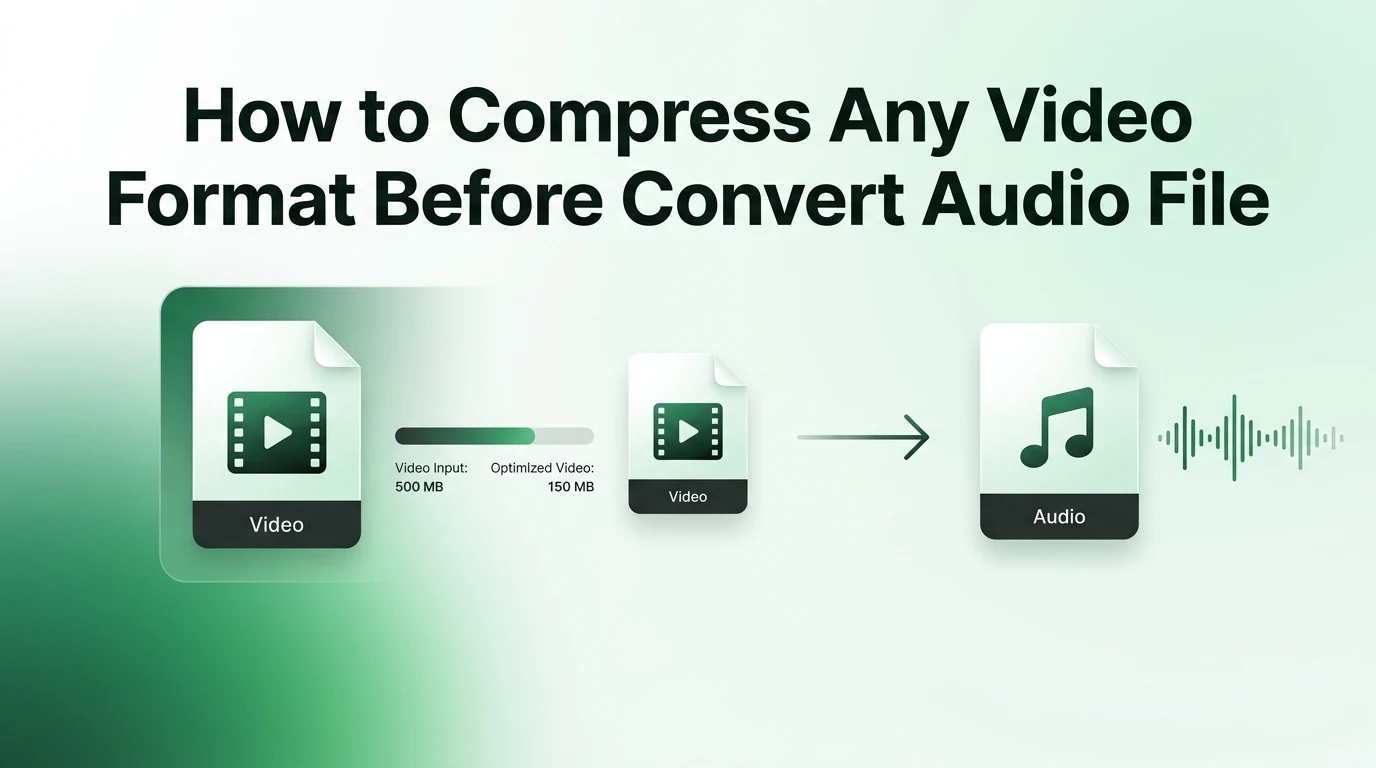
On top of that, video files take up an enormous amount of space on your hard drive or phone memory. Keeping five large video files just to listen to the dialogue is simply a waste of digital real estate. This is exactly where a reliable MP4 to MP3 converter steps in to make your life easier. By stripping away the heavy visual elements, you keep the exact sound you want in a small, highly portable package.
Let us take a close look at how easy it is to change your files, what settings you should choose, and how to get the cleanest sound possible without pulling your hair out over technical details.
The Surprising Benefits of Keeping Audio-Only Files
When you start turning your videos into audio tracks, you quickly realize how much freedom it gives you. Think about how you consume content throughout a busy day. If you are walking the dog, doing the dishes, or commuting, you cannot stare at a screen. Turning those files into audio lets you take your favorite shows anywhere.
Furthermore, audio tracks use significantly less internet bandwidth when you share them or back them up to a cloud server. If you want to build a massive library of podcast episodes or rare music tracks, saving them as small audio files is the only sensible way to go. It keeps your devices running fast and leaves plenty of room for your personal photos and apps.
Understanding Audio Quality Parameters Before You Convert
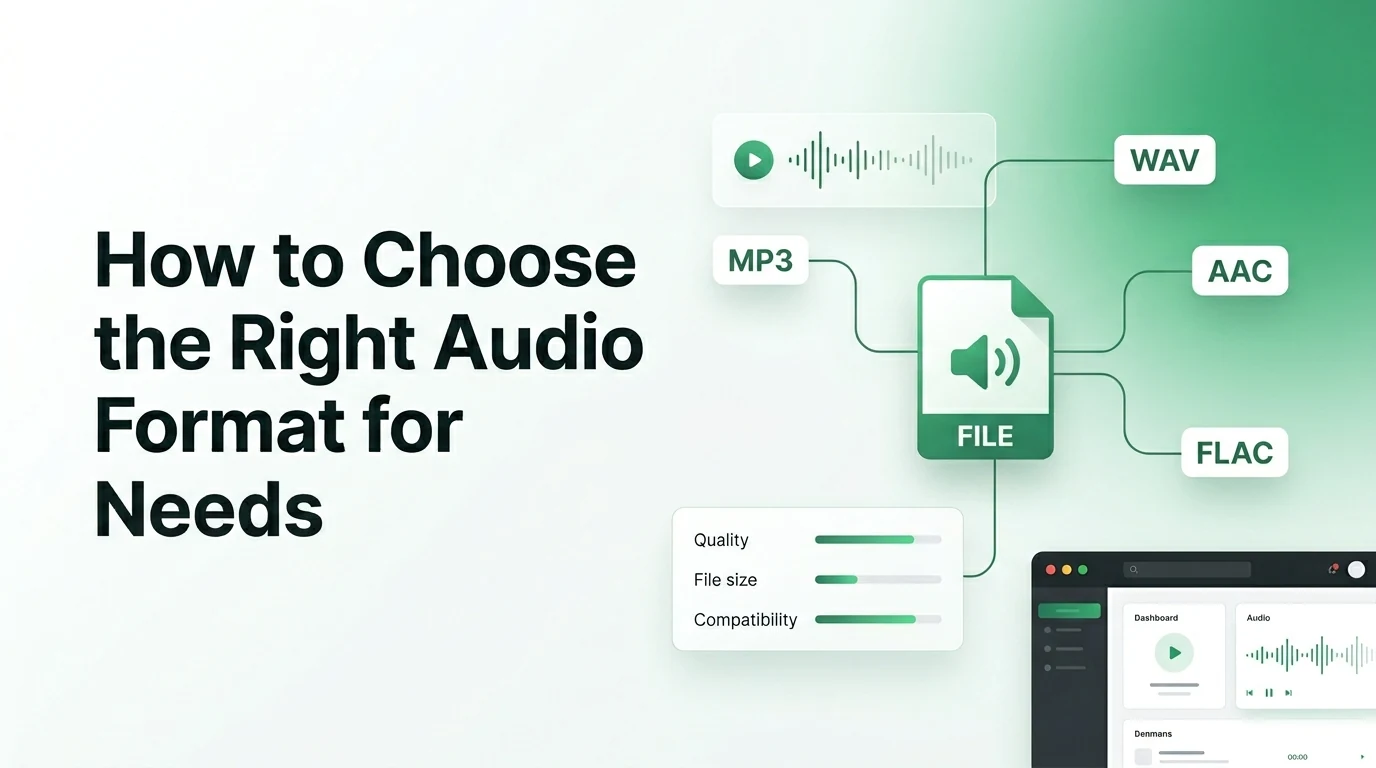
Before you upload your first video to video-to-mp3.com, it helps to understand what makes an audio file sound great. You do not need a degree in sound engineering to grasp the basics. The most crucial factor you need to keep an eye on is the audio bit depth, along with the file bitrate. These settings dictate how much raw sonic detail the converter saves from the original video track.
If your settings are too low, your music will end up sounding scratchy or hollow, like an old AM radio station. To ensure you choose the absolute perfect quality level for your specific project, use this simple guide to see how different bitrates match up with common daily tasks.
| Bitrate Level | Sound Quality Category | Best Daily Use Case | Storage Space Needed |
|---|---|---|---|
| 96 kbps | Low Quality | Audiobooks and spoken voice notes | Very Low |
| 128 kbps | Standard Quality | Casual podcasts and news clips | Low |
| 192 kbps | High Quality | Everyday music and movie dialogue | Medium |
| 320 kbps | Ultra Quality | High-fidelity music and instruments | High |
For the vast majority of people listening on standard headphones or phone speakers, choosing 192 kbps offers the absolute best balance between great sound and a small file size.
Step by Step Guide to Free Online Conversion
Using an online tool is by far the easiest route for most people. You do not have to install any sketchy programs on your computer, and you can complete the whole process in less than a minute. Here is exactly how to do it on video-to-mp3.com.
First, open your preferred web browser on your phone or laptop and go to the converter homepage. Next, click the main upload button to select the MP4 video file from your local storage documents. Once the video uploads to the platform, check the settings panel to make sure MP3 is chosen as your final output file type. Finally, press the start convert button and watch the progress bar finish its job. As soon as the cloud system extracts the audio track, a fresh download button will appear on your screen so you can save the file instantly.
The Advantages of Using Modern Online Software
Some people worry that online tools are too complicated or require hidden fees. Thankfully, modern web applications are designed with simple user experience in mind. You do not need to register for an account or hand over your email address just to change a couple of files.
- No system installations required to save your device memory
- Fully compatible with both Android smartphones and Apple laptops
- Blazing fast processing speeds using secure remote cloud servers
- Clean interfaces that do not confuse beginners with technical jargon
Because everything happens up in the cloud, your own computer does not have to do any heavy lifting. This means your machine stays cool and fast while the file processes.
Desktop Applications for Massive File Batches
While online tools are incredible for one or two files, they might not be the best choice if you have an entire season of a television show to convert. If you find yourself needing to process dozens of large files every single week, using a desktop program like VLC Media Player can save you a lot of time.
Desktop apps do not rely on your home internet upload speed. They process the files locally on your own computer processor. This method gives you total control over advanced features, such as merging multiple audio clips together or editing the title tags before you save the track to your music app.
How to Get the Cleanest Sound Output Possible
Always remember a basic rule of technology: what goes in is what comes out. A file converter can only do so much with the source material you provide. If the original video was recorded in a noisy room with a lot of background wind, the final music file will have those exact same annoying sounds.
Whenever possible, try to find high-resolution video files that have crisp audio tracks from the start. Also, try to avoid converting the same file over and over again. Every time you convert an audio file into another compressed format, you lose a tiny bit of the original clarity. Stick to converting directly from the original video source to keep your tracks sounding pristine.
Frequently Asked Questions
1. What is an MP4 to MP3 converter?
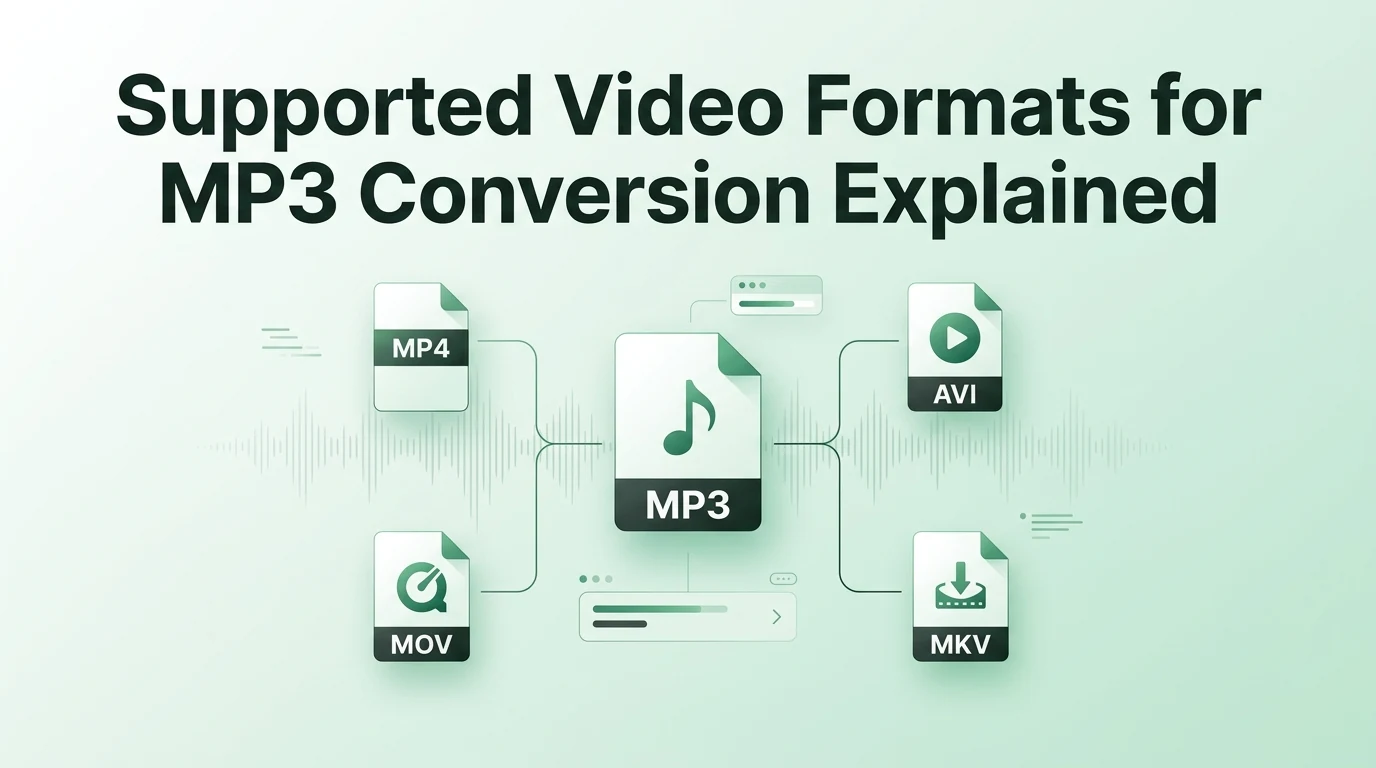
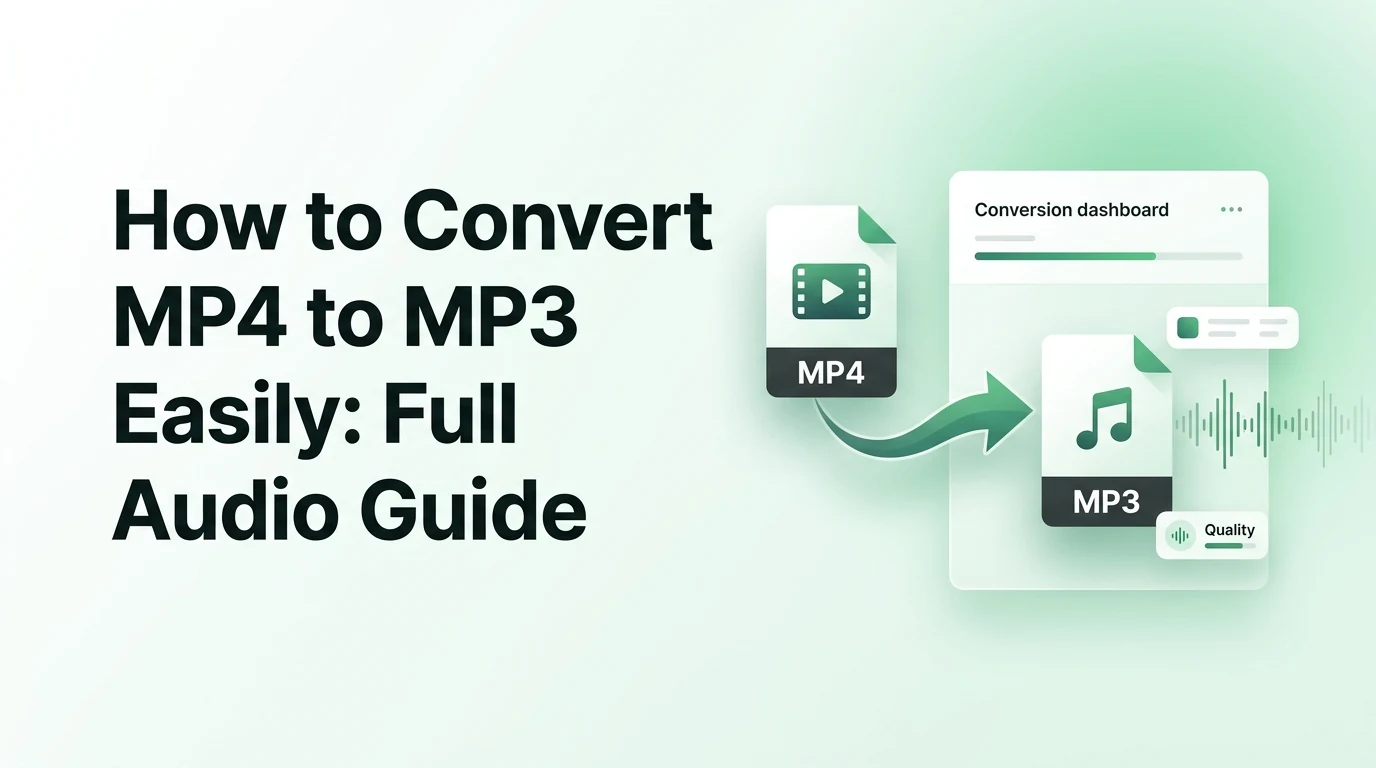
An MP4 to MP3 converter is a helpful digital tool that strips away the video images from an MP4 file, extracts the underlying sound track, and saves it as a lightweight MP3 file. This gives you a pure audio file that plays on any music player while saving a lot of device space.
2. Will I lose sound quality when converting my video files?
You will not notice a loss in quality if you select the correct settings before you begin. Choosing a high bitrate like 192 kbps or 320 kbps ensures the converter keeps the audio rich and full. Lower bitrates will shrink the file size further but can make the sound slightly muffled.
3. Can I use this conversion tool on my mobile phone?
Yes, you can use our web-based tool on any modern smartphone browser without any issues. The system works perfectly on both iOS and Android devices, allowing you to upload videos straight from your phone camera roll and download the finished audio tracks directly to your device storage.
4. Is it completely safe to convert files online?
Using a reputable platform like video-to-mp3.com is entirely safe for your personal devices. The file conversion happens securely on our remote cloud servers, meaning you do not have to download or open any risky executable software files that could potentially harm your computer.
5. How long does it take to convert a video file?
For an average music video or short clip, the conversion process takes only a few seconds to complete. Larger files like full-length movies or lengthy business seminars might take a minute or two to process because the system has to scan through a much larger amount of data.
Wrapping Up Your Audio Journey
Converting your MP4 videos into clean MP3 audio tracks is a simple habit that can completely change how you enjoy media. It saves your phone battery, frees up gigabytes of precious storage space, and allows you to enjoy your favorite content while staying active. By choosing a high-quality bitrate and using a clean, modern tool, you get great sound every single time. Whenever you find a new video that you want to take on the go, simply head over to video-to-mp3.com, drop your file into the box, and start building your ultimate personal audio library today.