Why Pulling Audio from Video Changes Everything
We have all spent hours browsing through video platforms, stumbling upon incredible music tracks, deep podcast conversations, or helpful lectures. It feels great to find that content, but trying to watch a long video while you are trying to stay productive is almost impossible. You cannot easily slide your phone into your pocket while running on a treadmill if a video has to stay open on your screen. The moment your screen locks, the playback cuts out, leaving you frustrated.
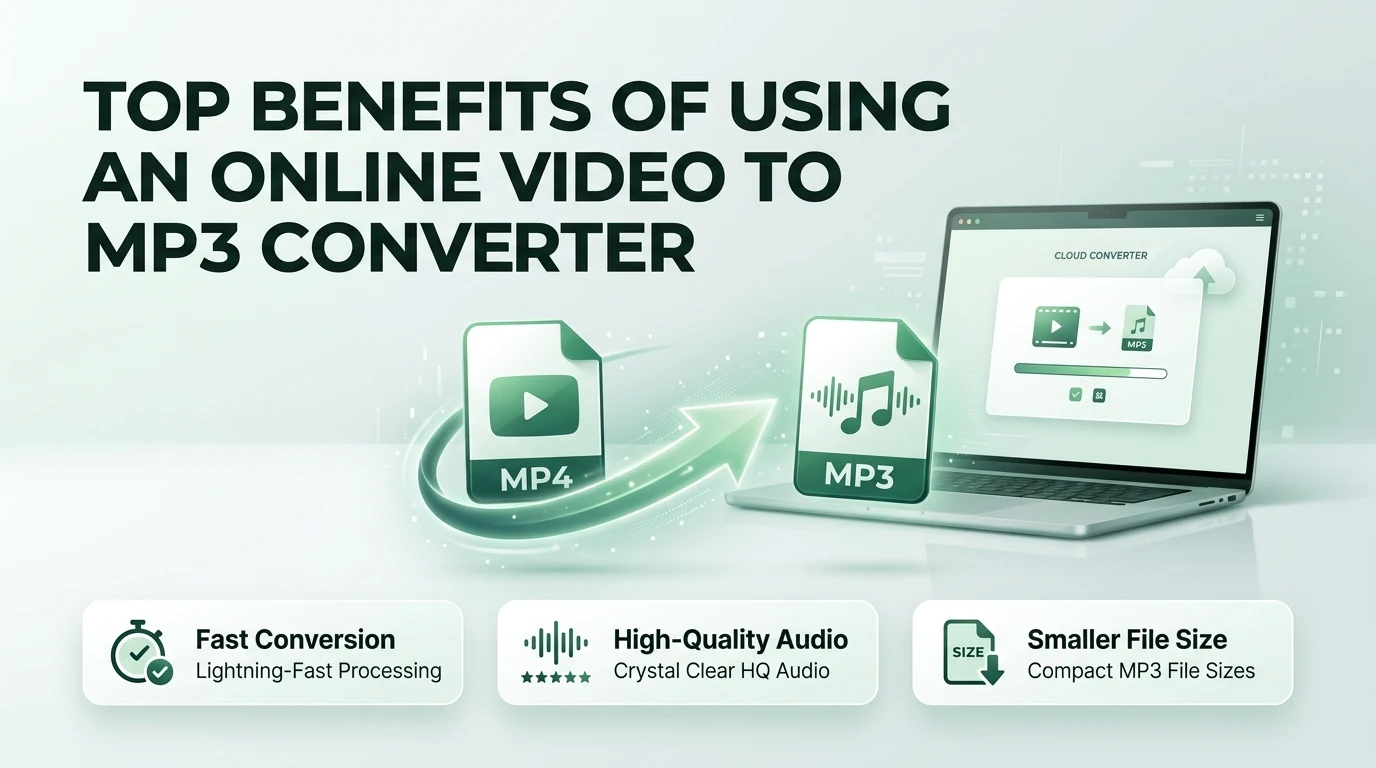
Leaving a high-resolution video playing just to hear someone speak drains your phone battery incredibly fast. It also eats up your monthly mobile internet data package within a few days. That is exactly why thousands of smart internet users rely on a free online video to MP3 converter every day. Stripping away the heavy video frames and leaving just the pure, clean sound gives you total freedom over how you listen.
Let us break down the top absolute best advantages of using an online media conversion platform like video-to-mp3.com to change how you manage your daily media files.
Massive Storage Space Savings for Your Devices
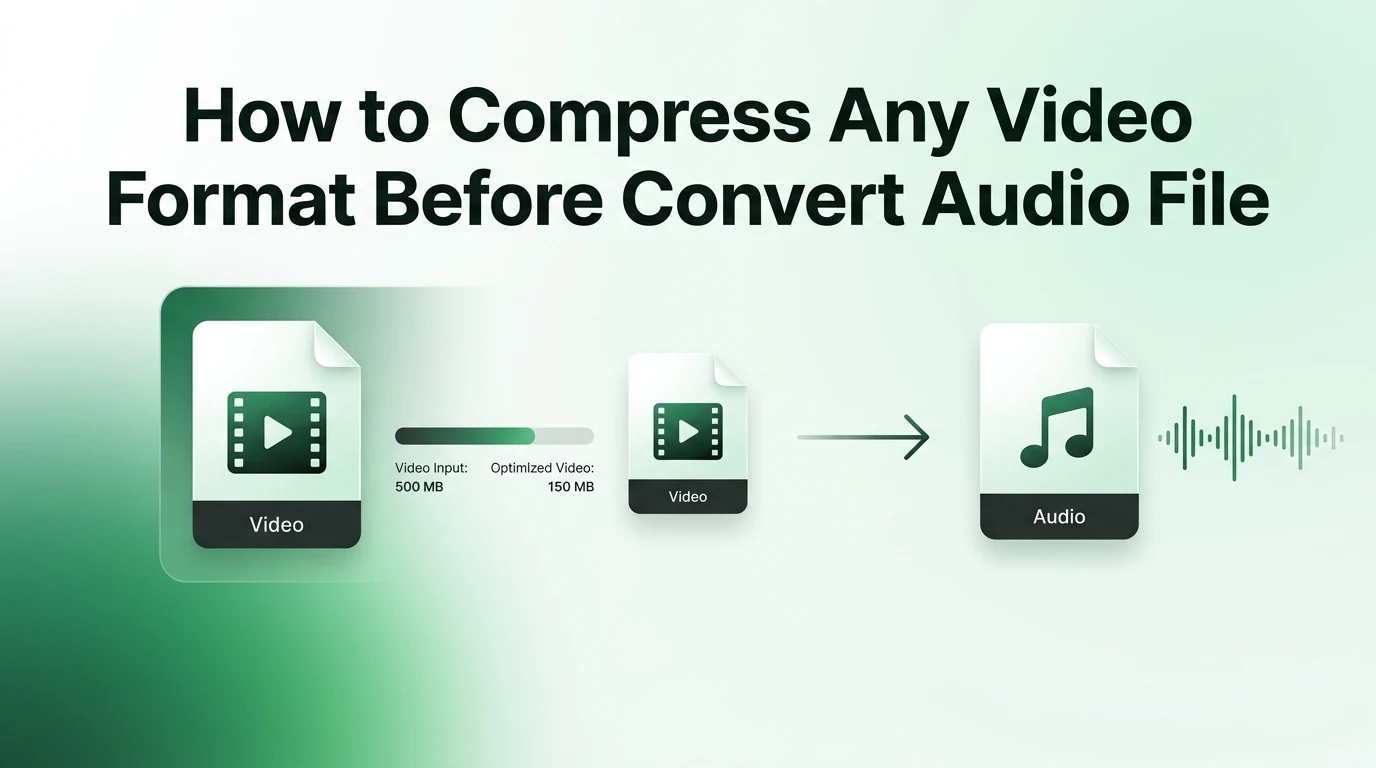
The most immediate benefit you notice when changing a video file into an audio track is the dramatic drop in file size. Video files are notoriously huge because they have to store millions of colorful pixels for every second of footage. If you download a handful of full-length video presentations or high-definition music concerts, your smartphone storage warning will pop up before you know it.
When you run those heavy files through an online system, you throw away the massive visual data track entirely. What you are left with is a highly optimized audio document that takes up only a tiny fraction of the original room.
To help you visualize exactly how much precious space you can win back on your hard drive or mobile device memory, look at how a typical video file shrinks after being processed into a standard audio track.
| Original File Format | Video File Size | Converted MP3 Size | Saved Storage Space Percentage |
|---|---|---|---|
| 10-Minute MP4 Video | 150 MB | 9 MB | 94% Space Saved |
| 30-Minute Travel Vlog | 450 MB | 28 MB | 93% Space Saved |
| 60-Minute Business Seminar | 900 MB | 55 MB | 93% Space Saved |
| 120-Minute Movie Track | 1.8 GB | 110 MB | 94% Space Saved |
As you can see, you can store more than ten times the amount of content in audio format compared to keeping raw video files on your system.
Complete Freedom to Multitask on the Move
Life moves incredibly fast, and very few people have the luxury of sitting down in front of a computer screen for hours just to absorb information. You want to learn new skills or enjoy deep storytelling while you are commuting to your office, cooking dinner, or lifting weights at the local gym.
Audio-only files fit into a busy lifestyle seamlessly. Once you turn that lengthy video panel discussion into a mobile MP3 track, you can load it onto any basic playback application. You can turn off your smartphone screen completely, slip the device securely into your pocket, and enjoy your content without accidental screen touches disrupting your track. It transforms your passive screen time into highly productive listening hours.
Preserving Your Battery and Mobile Data Packages
If you stream videos while walking outside, you are making your phone work twice as hard. The device processor has to render the moving images constantly, keep the bright screen active, and stream massive amounts of data over cellular towers. This combination causes your phone to become physically hot and drains a full battery charge in just a few hours.
By utilizing video-to-mp3.com before you leave your house, you protect your device from that unnecessary stress. Playing a compact MP3 file requires minimal processing power from your phone chip. Your screen can stay entirely dark, which extends your overall battery life significantly and ensures you do not run out of power during an emergency late in the day.
How the Conversion Tool Protects Your Local System
Many people assume they need to install complex, heavy software packages to manage their media libraries. In the past, that might have been true, but modern web technology has made local installations obsolete for everyday tasks. Using a browser-based extraction tool provides a much cleaner, safer experience for casual web users.
- You save your computer hard drive from being bogged down by unnecessary software installations
- Web applications process your files utilizing modern cloud servers so your own computer stays cool and fast
- You never have to worry about updating outdated desktop programs or dealing with annoying system errors
- Online tools work universally across every single operating system including Windows, Mac, Android, and iOS
- You can access your media transformation tools from any public computer or tablet without configuration limits
Simple Step by Step Guide to Extracting Audio
If you have never used an online audio extractor before, you will be pleasantly surprised by how simple the overall workflow is. You do not need to possess any advanced technical knowledge or understand complex audio jargon to get professional results.
The Underlying Science of Clear Audio Sound
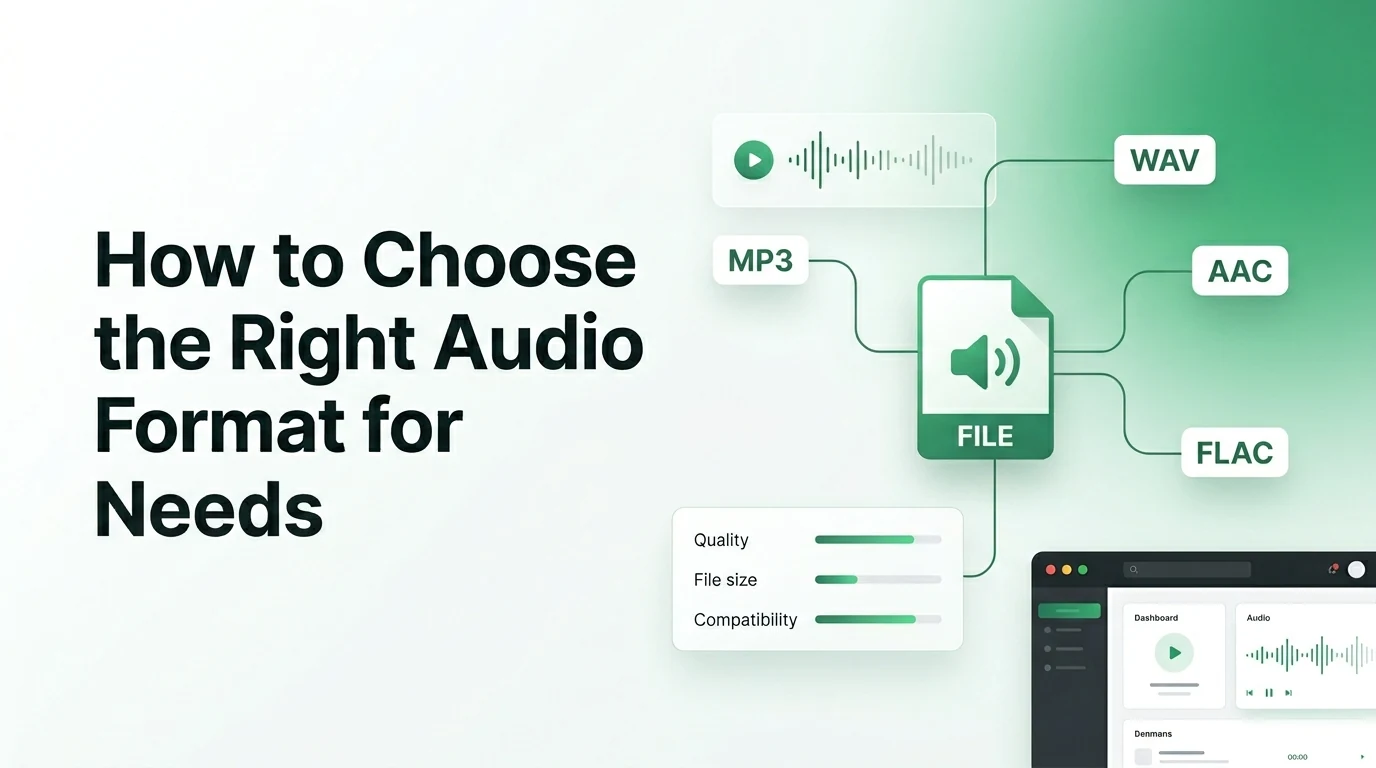
When you convert files, the software uses a digital engine called an audio codec to interpret the raw sound waves. To make files small enough to share easily over the internet, converters use lossy compression techniques. This process removes hidden audio frequencies that the human ear cannot easily detect anyway, such as an incredibly high pitch sound played at the exact same millisecond as a loud bass drum.
If you want to maintain beautiful clarity for instruments and music production, it helps to understand how the system maps out the data. A major factor in this process is the sampling frequency, which determines how many times per second the digital tool takes a snapshot of the original audio signal. Setting a healthy standard ensures your songs do not end up sounding tinny or robotic when you turn up the volume on your favorite stereo speakers.
Building Your Ultimate Personalized Offline Media Archive
One of the greatest joys of using an online converter is the ability to rescue rare content that might disappear from the internet tomorrow. Independent creators often upload rare acoustic cover songs, historical interviews, or limited podcast episodes that never make it onto mainstream music streaming services.
By converting those unique clips into standalone files, you create a permanent personal library that belongs entirely to you. You do not have to worry about spotty internet connections in remote areas, expensive platform subscriptions, or sudden content take-down notices. Your favorite audio tracks stay safely on your device, ready to play whenever you need a bit of entertainment or inspiration.
Frequently Asked Questions
1. Is using an online video to MP3 converter completely free?
Yes, using our core platform at video-to-mp3.com does not cost any money at all. You can upload your everyday video clips, extract the audio tracks, and download the finished MP3 files without encountering hidden registration fees or subscription paywalls.
2. Will the conversion process introduce viruses to my computer?
Our web-based conversion process is entirely safe because everything runs through secure remote cloud systems or isolated browser environments. You do not have to download or run any risky executable installation files, which completely removes the risk of infecting your system.
3. Can I convert videos that are longer than an hour?
Our platform handles long-form content like lengthy business seminars, college lectures, and audiobooks easily. Keep in mind that exceptionally large files might take an extra minute or two to upload and process depending on your current home internet speed.
4. What is the best audio setting for standard headphones?
For standard earbuds and car speakers, selecting a bitrate of 192 kbps provides a spectacular listening experience. It keeps the speech crisp and the music rich while ensuring the final file size remains small enough to save your device storage space.
5. Can I change the file back into a video later?
An MP3 file is strictly an audio format and does not contain any visual data frames inside it. Once you strip the video away during the extraction process, you cannot magically recreate the original moving images from the audio track alone.
Final Thoughts on Modern Media Conversion
Embracing an online video to MP3 converter is one of the easiest ways to streamline how you consume your favorite media every day. It eliminates the frustration of heavy files, preserves your smartphone battery, and gives you the ultimate freedom to learn or relax while moving through your busy routine. By opting for a clean, browser-based solution that requires no sketchy downloads, you keep your digital life safe and simple. The next time you find an incredible video with a soundtrack you love, head right over to video-to-mp3.com to start building a lightweight audio collection that fits your life perfectly.